

j2vote is an interactive polling tool within Just2easy that allows teachers to quickly gather pupil responses, opinions, and understanding in real time during lessons.
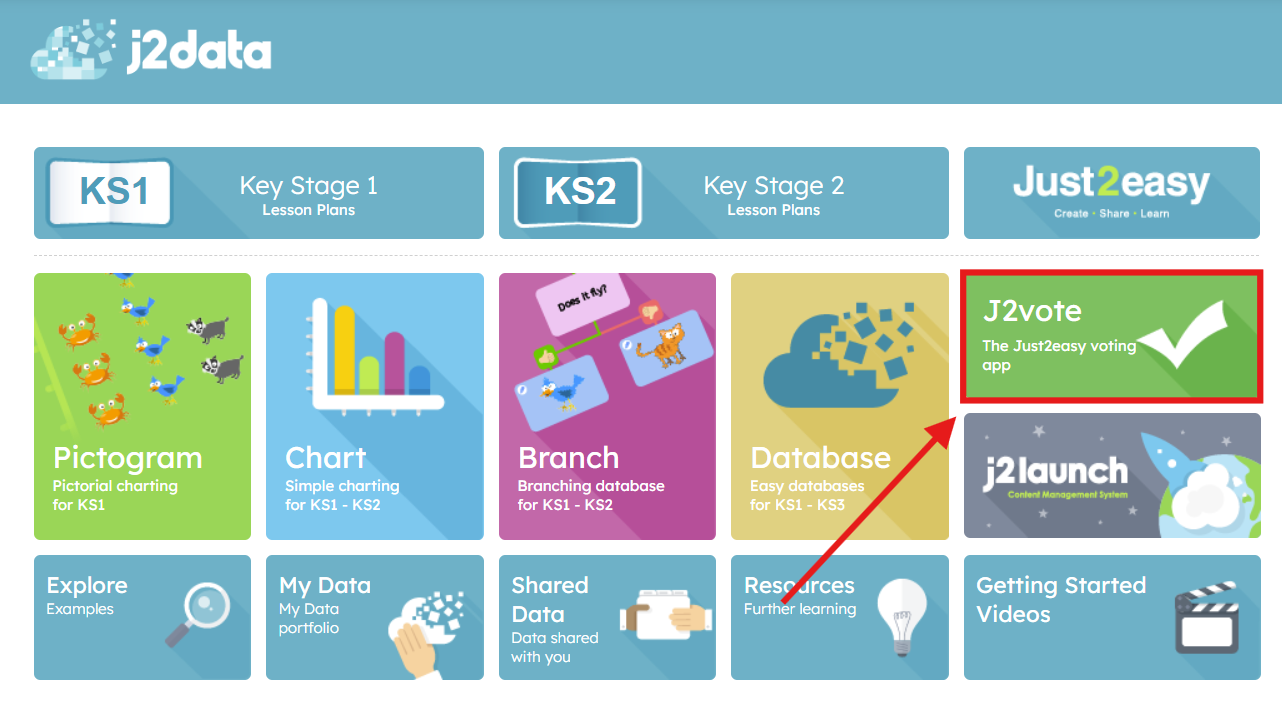
Open j2data, and click j2vote
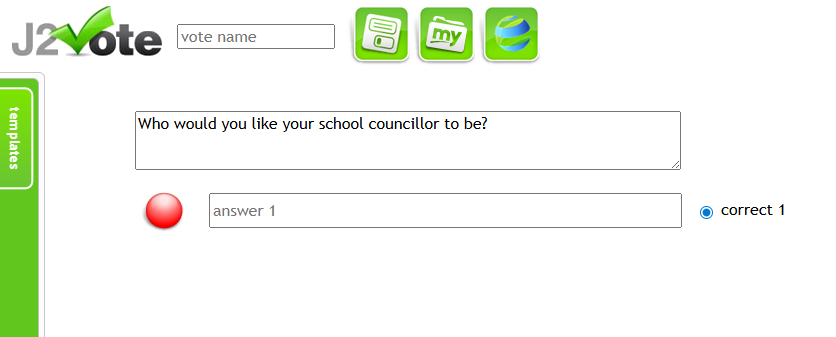
Write your question in the question box:
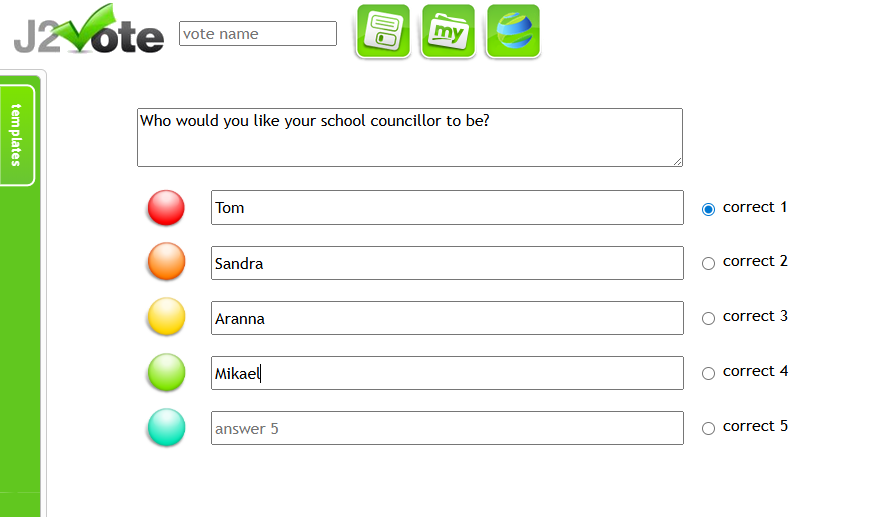
- Write each answer in a separate answer box (a new box will automatically be added as you go).
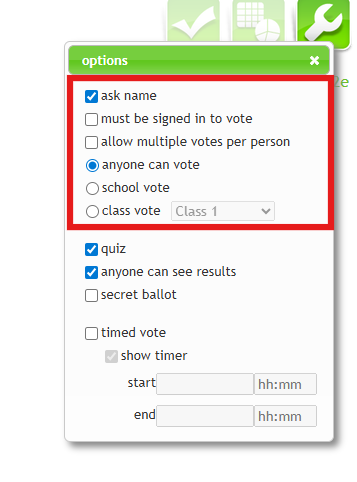
- You can customise your j2vote by clicking the spanner icon in the top right corner. From here, you can choose whether to set it up as a quiz (with one correct answer) or as a voting activity/poll. :
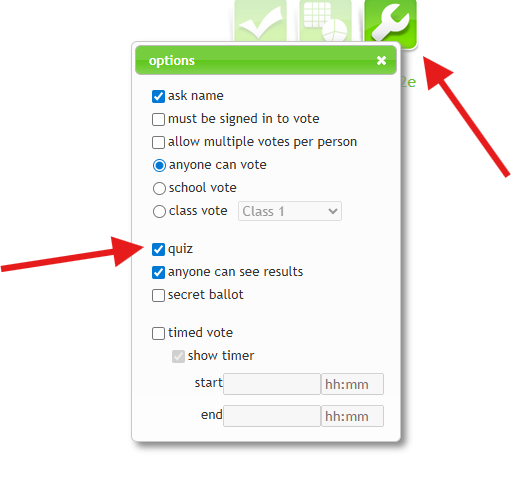
- You can control who is able to vote in j2vote and how their responses appear - for example, whether pupils must enter their name, or if the vote is anonymous, as well as whether it is set for an open, school-wide, or class-based vote.
- Name your vote and save. Your vote has now been saved to your MyFiles
You can find information on how to share your j2vote here