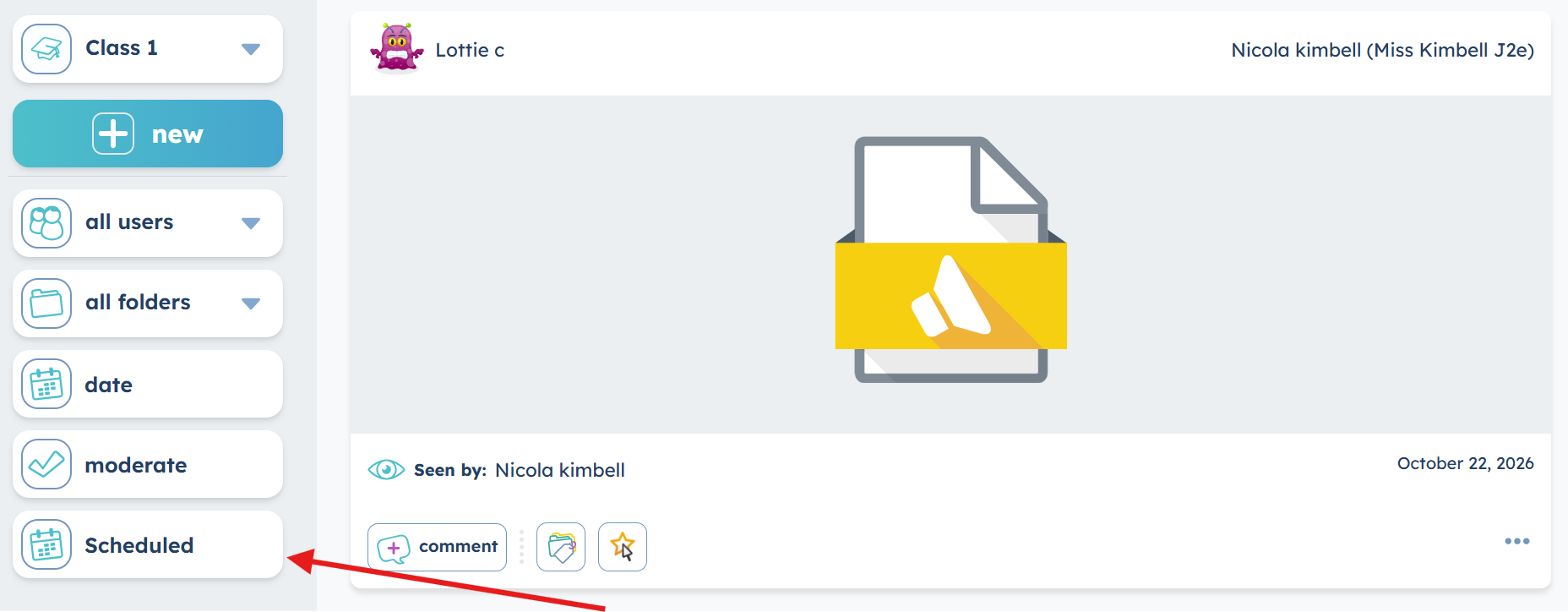
You can now schedule j2journal posts to be published at a later date and time.
This new feature allows teachers to plan and prepare journal content in advance, making it easier to manage digital portfolios and keep journals updated throughout the school year.
Whether you're preparing activities ahead of a lesson, planning weekly journal updates or organising posts around a particular topic, scheduling helps you stay organised and saves time.
Create a j2journal post
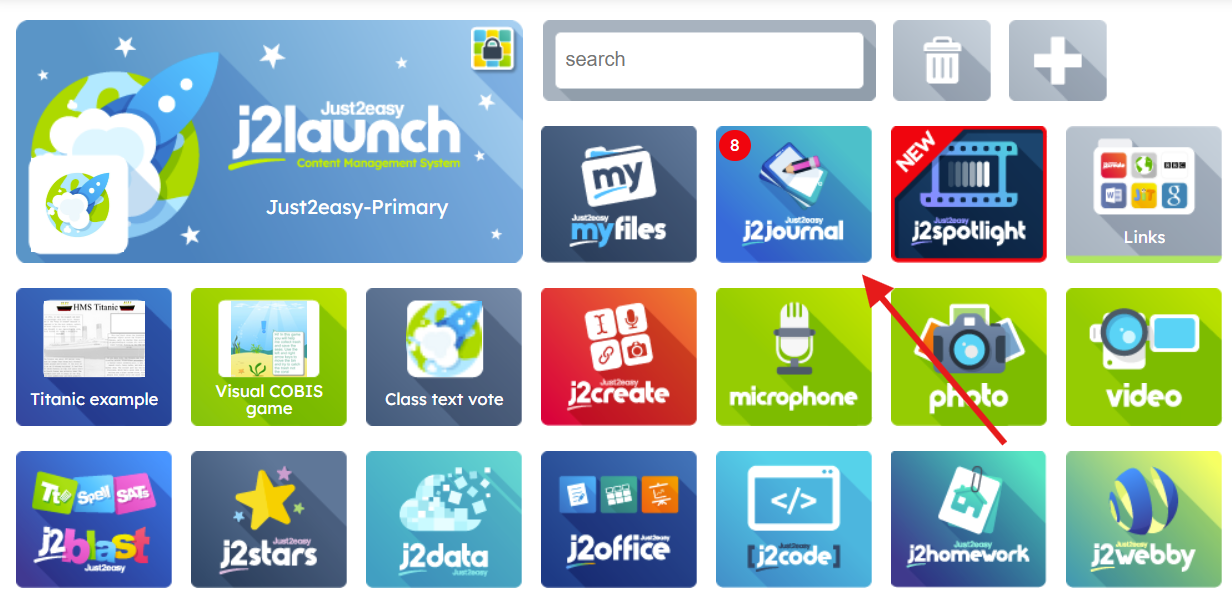
Launch j2journal from the Launchpad.
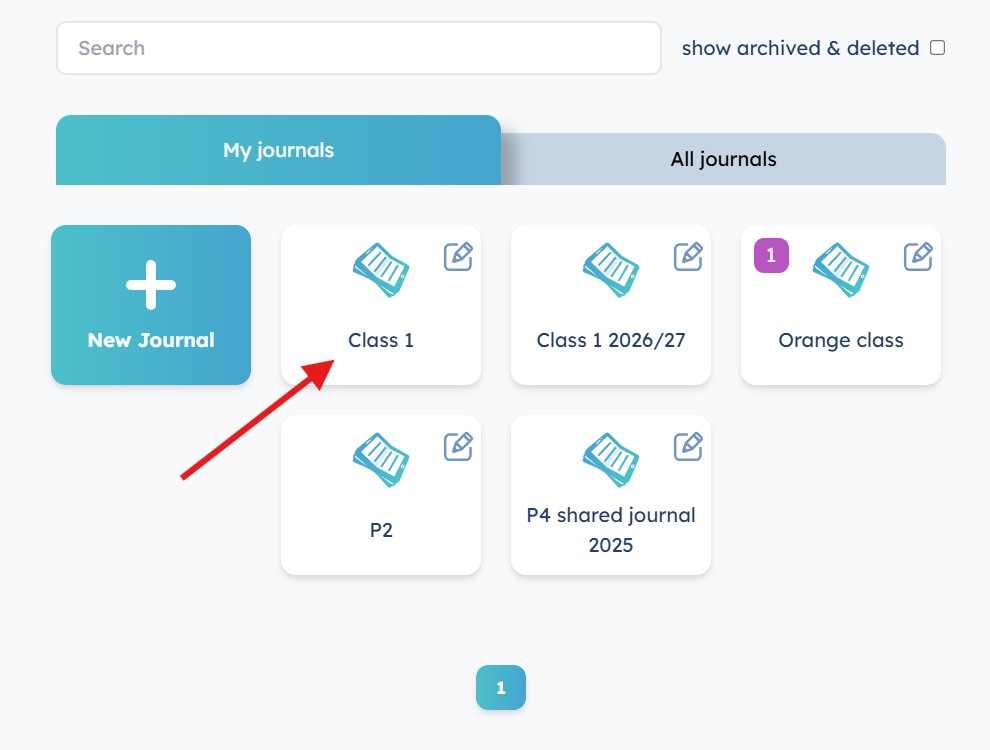
Open the journal you want to add a post to.
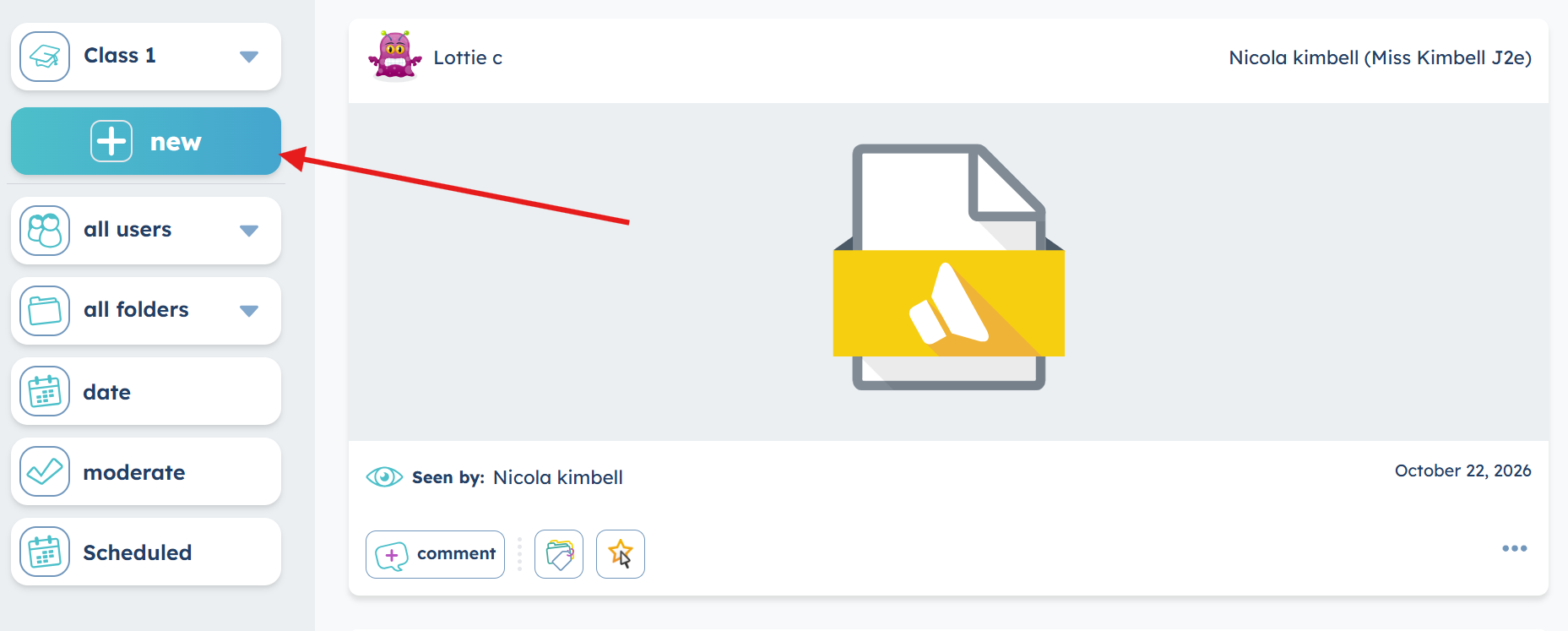
Click to create a new post.
Add your content as usual. This could include text, images, videos or other supporting evidence.
When your post is ready, look for the Schedule option - tick the box, and set the scheduled post.
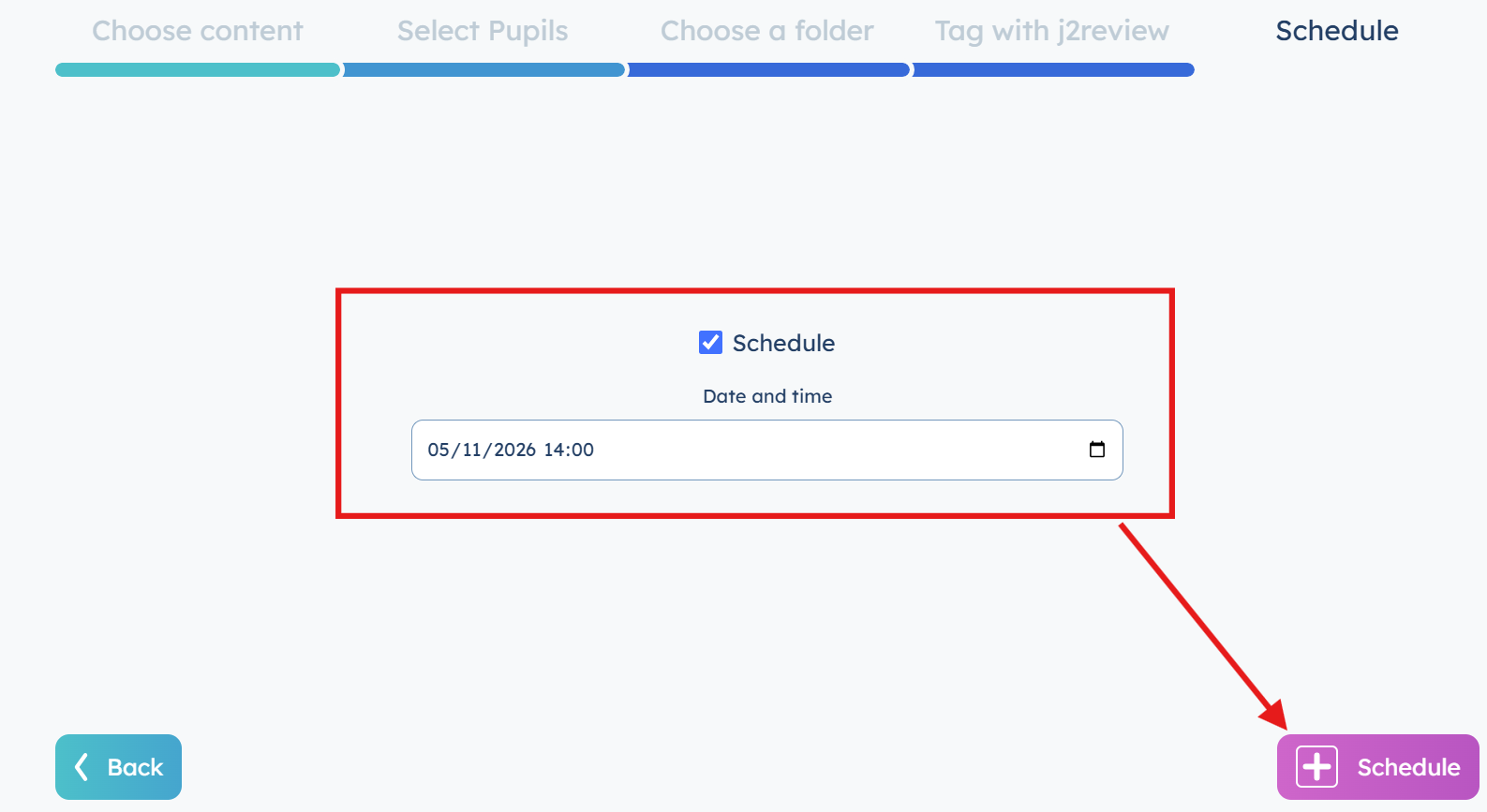
The post will stay within the "scheduled posts" area until it is posted.