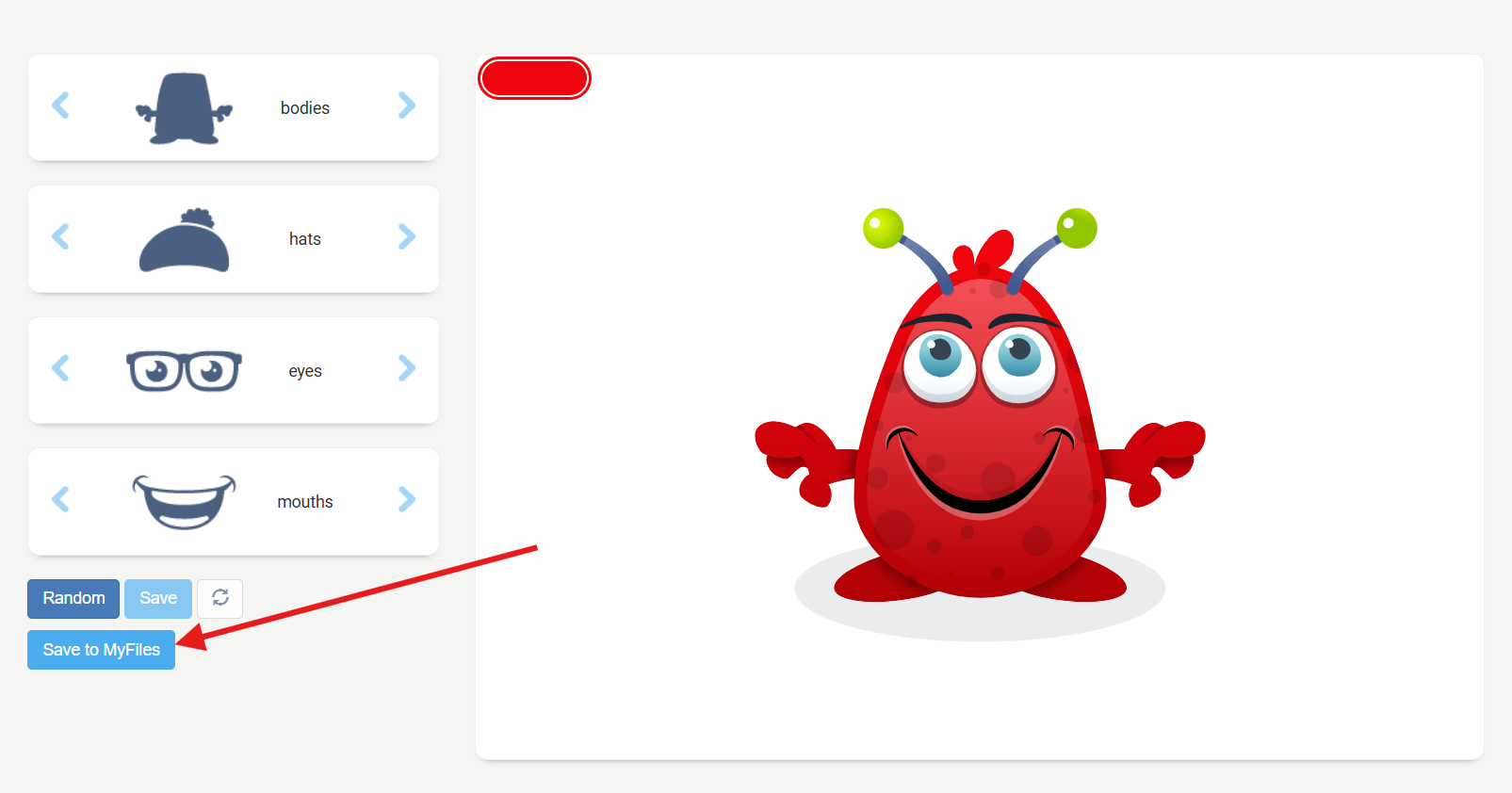
You can create your own personalised avatar using My Settings area in Launchpad.
Avatars allow pupils to create a digital character to represent themselves online, without having to use a photograph of their face. Once created and saved, your avatar can be used across other Just2easy tools, including JIT Paint, JIT Write, JIT Mix and j2create.
This is a great activity to support learning around online safety, digital identity and protecting personal information.
Create Your Avatar in My Settings
You can also create or edit your avatar directly from the Launchpad.
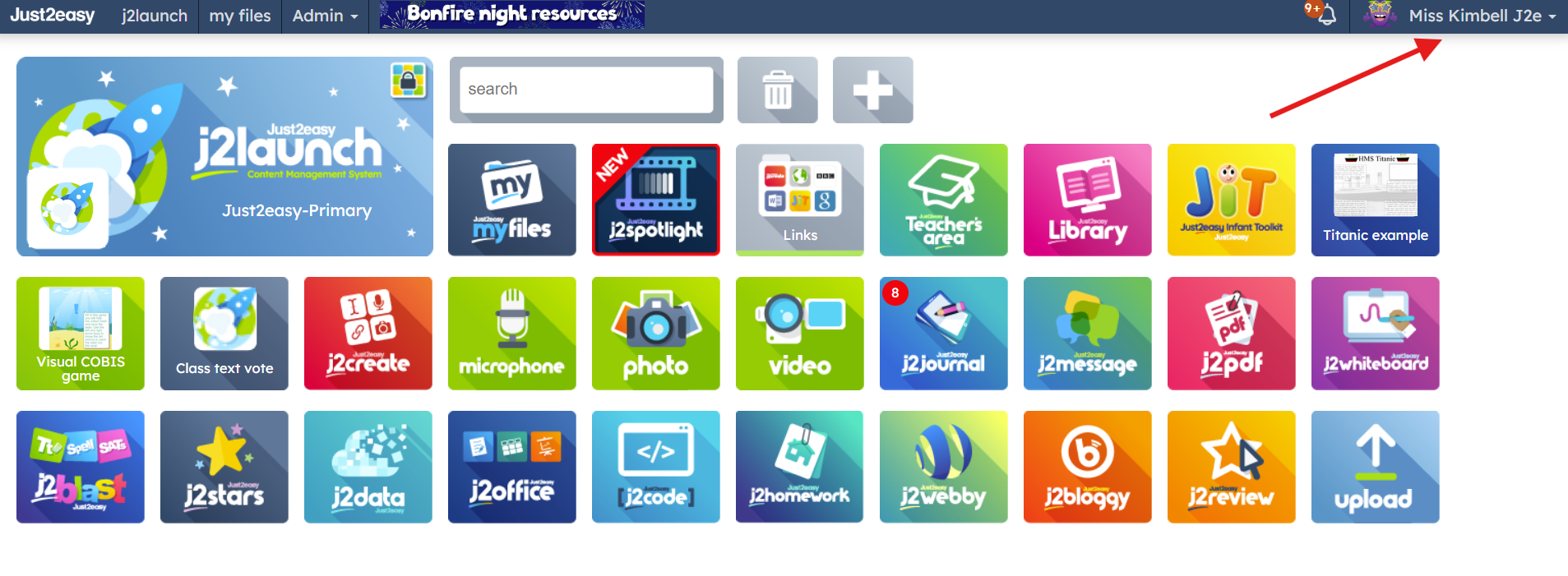
Open the Launchpad.
Click on your username in the top-right corner.
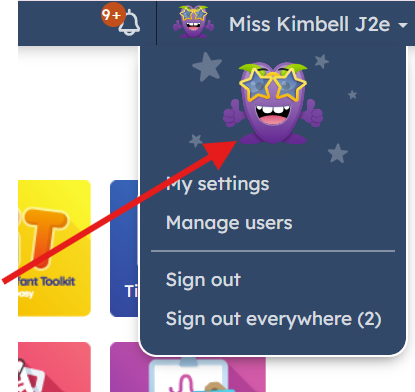
Select your current avatar.
Customise your avatar using the available options.
When you are happy with your design, click Save.
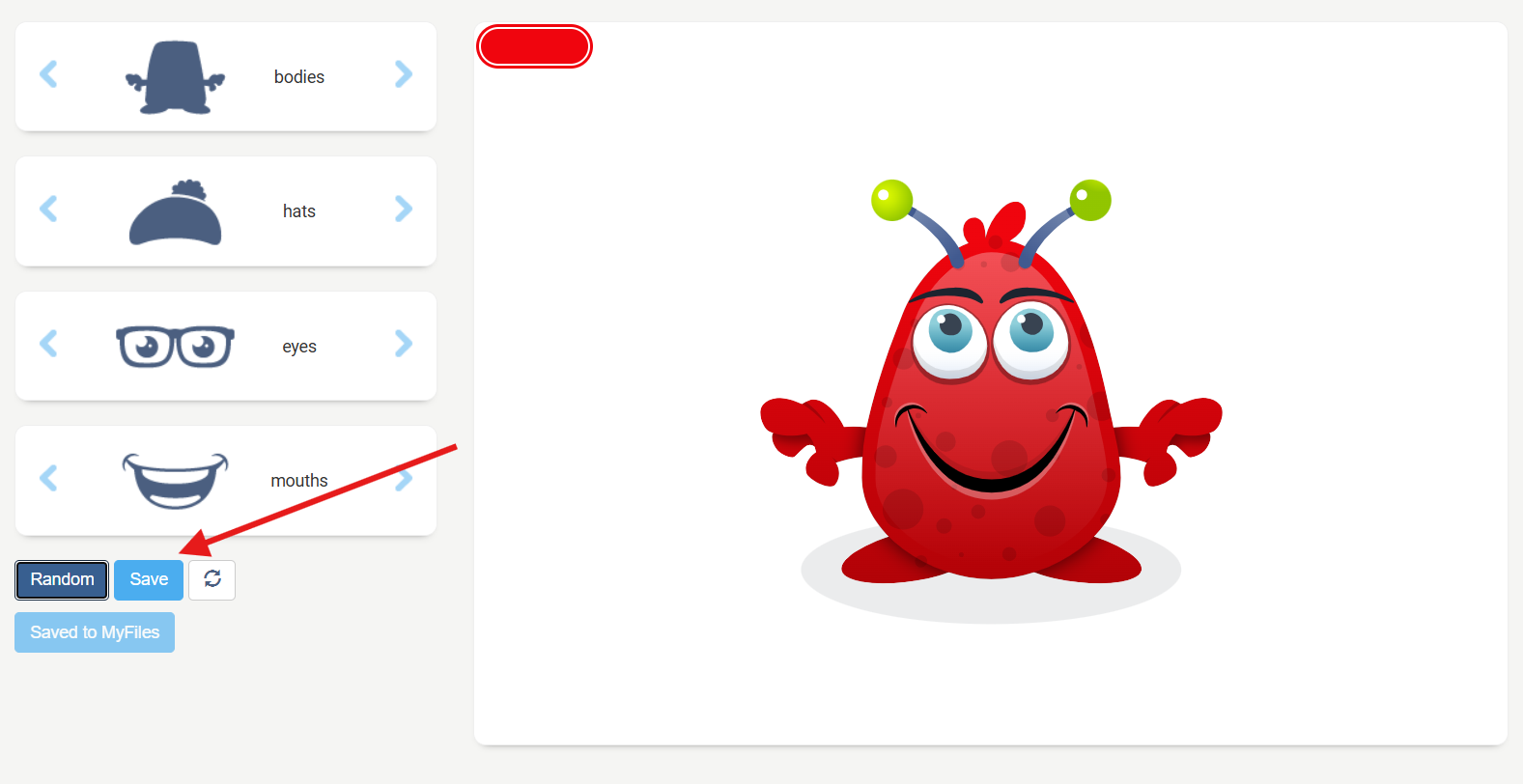
Select Save to My Files to store your avatar. This avatar will be saved to My Files, allowing the user the ability to be able to integrate the image into their work (e.g use within JIT Paint or j2create)